 Home and Hearth Baker


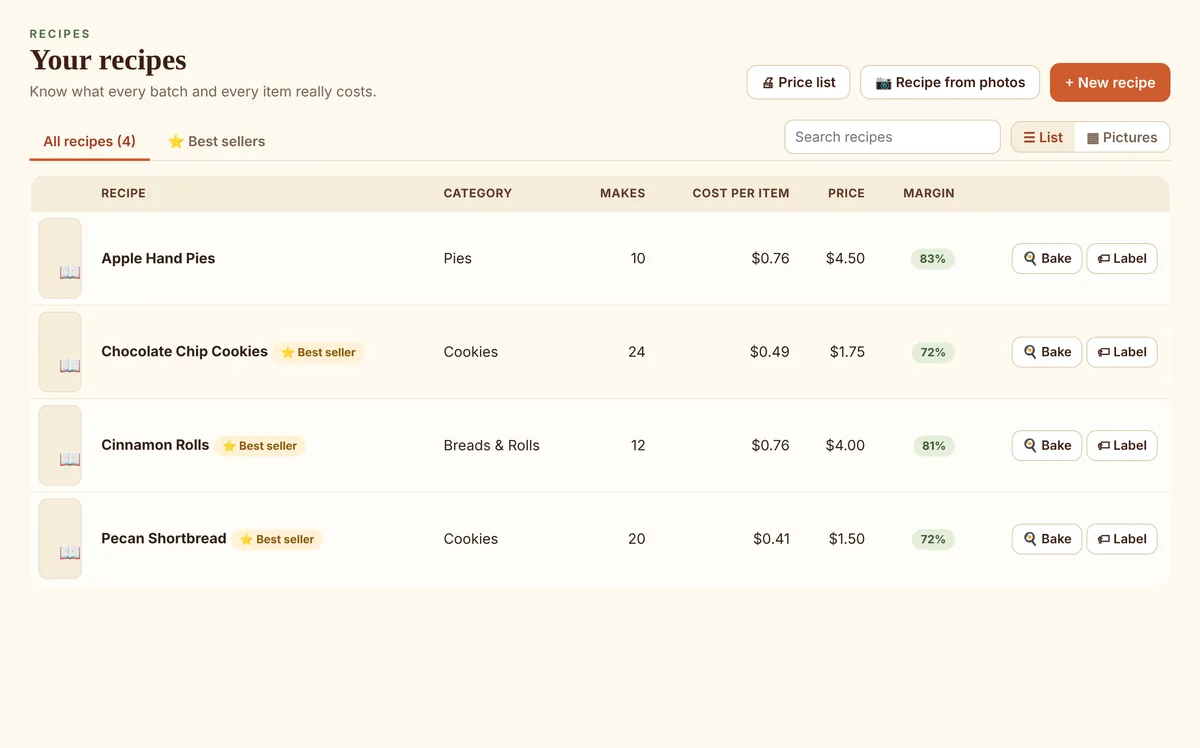
Know what every item costs
Ingredient prices from your Pantry, packaging, and package sizes like a dozen or a gift tin. See your margin and a suggested price that pays you for your time.
For cottage and home bakers
The most complete app you will ever find for your cottage home bakery business.
Recipes and costs, labels with your state's required wording, orders and invoices, market-day sales, bookkeeping, and the Cottage Food regulations for your state. All on your own computer.
Recipe from photos
Photograph a cookbook page or a printed recipe card, and Home and Hearth Baker reads it for you: the name, how many it makes, every ingredient with its amount and measure, and the steps. A recipe that runs onto a second page comes out as one recipe.
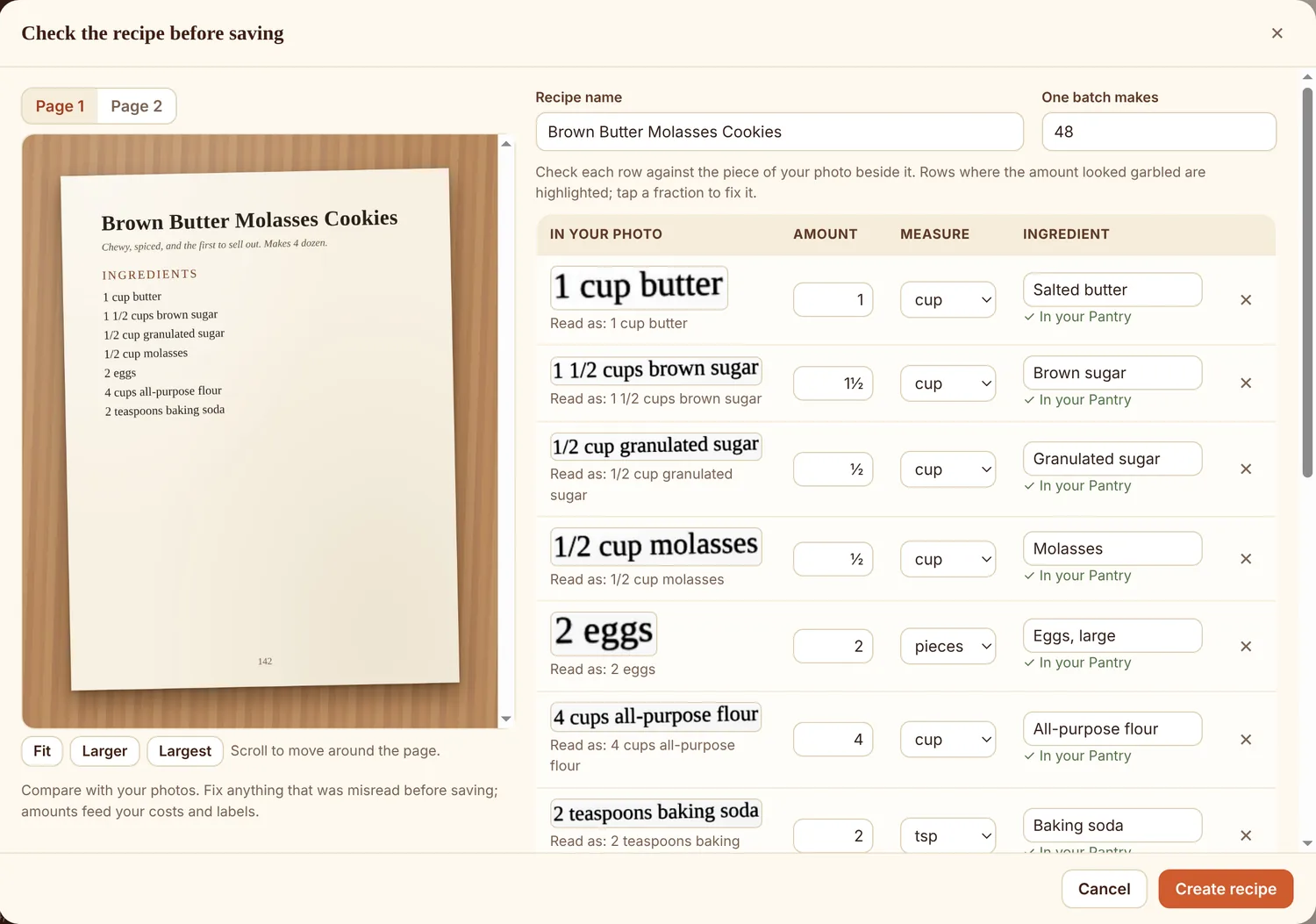
Grandma's handwritten cards too. Handwriting can't be read reliably by a computer, so for handwritten cards your photos sit beside empty boxes and you type the recipe in. Or talk it in: Windows and Mac voice typing work in every box.
Receipt from photo
Home and Hearth Baker reads your grocery receipt and matches each line to your Pantry, even store shorthand like “UNSLTD BTR” and “BKG PWDR.” One click restocks what you bought, updates your package prices so every recipe's cost stays current, and records the expense in your books with the receipt attached.
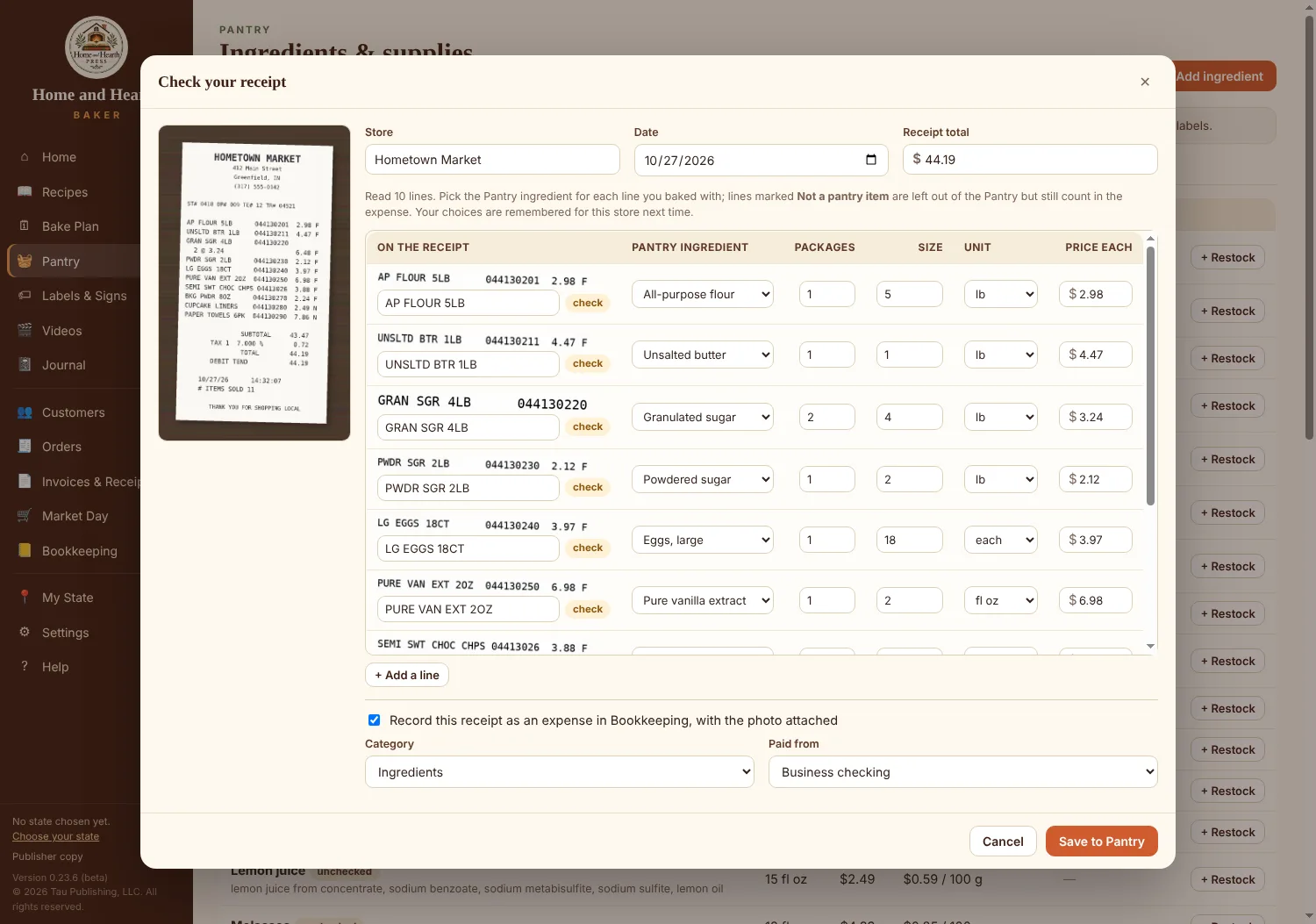
It learns your stores. Fix a match once and it's remembered for that store, so your regular shopping trip is matched for you next time. The receipt is read on your computer, never uploaded.
What's inside
One program from the first batch to tax time, built for the rules home bakers actually follow.
Ingredient prices from your Pantry, packaging, and package sizes like a dozen or a gift tin. See your margin and a suggested price that pays you for your time.
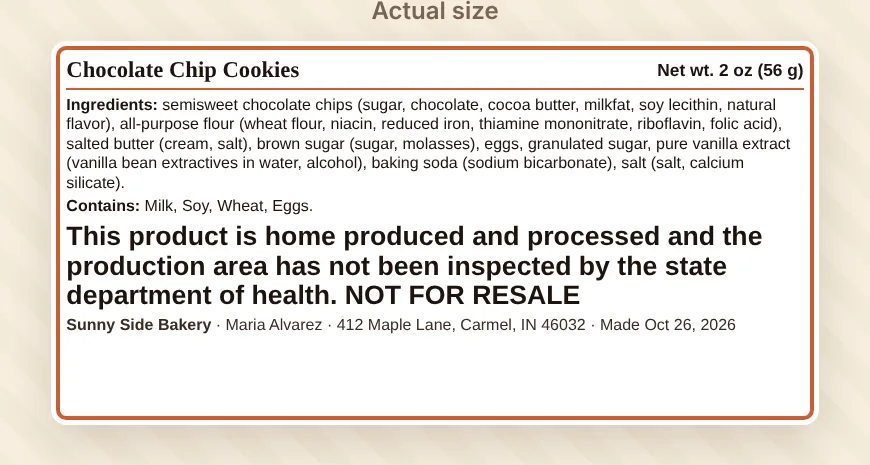
Ingredients sorted by weight, allergens, net weight, your name and address, and your state's required statement in its required type size, for Avery sheets or a label printer.
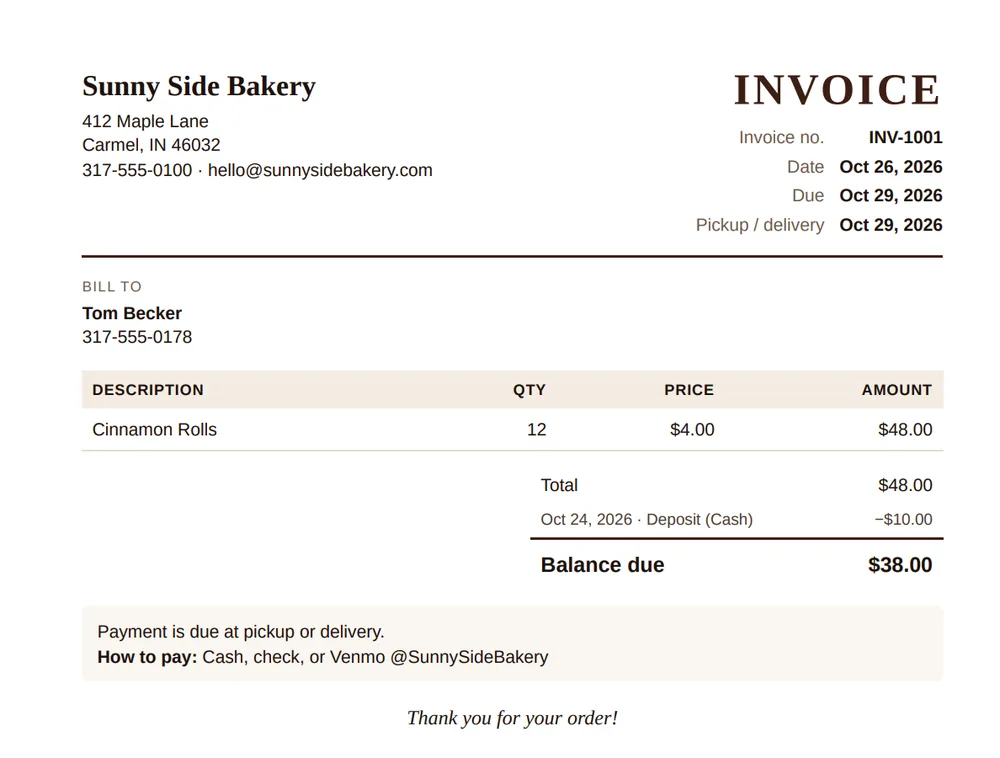
Take custom orders and deposits, get warned about a customer's allergies, then print or email a numbered invoice or receipt with your logo.
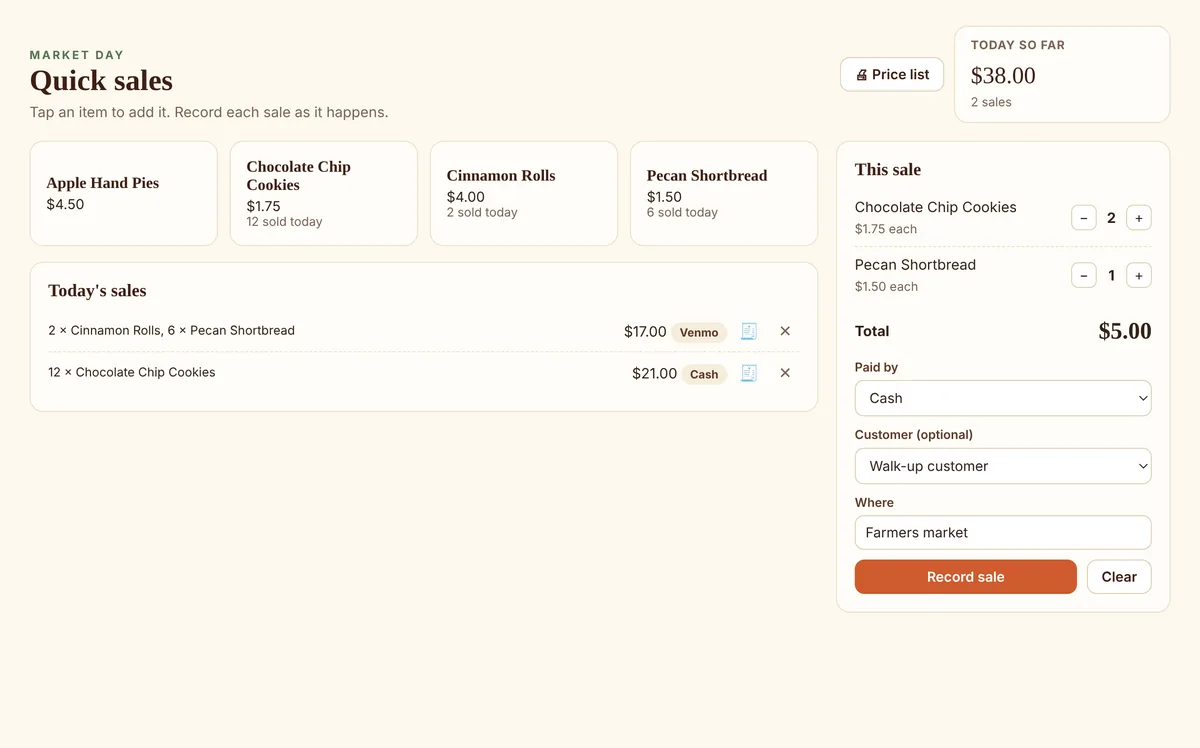
Record each sale at the farmers market in one tap and note how the customer paid. See today's total, and print a receipt when a customer wants one. Payments still go through your own card reader or payment app.
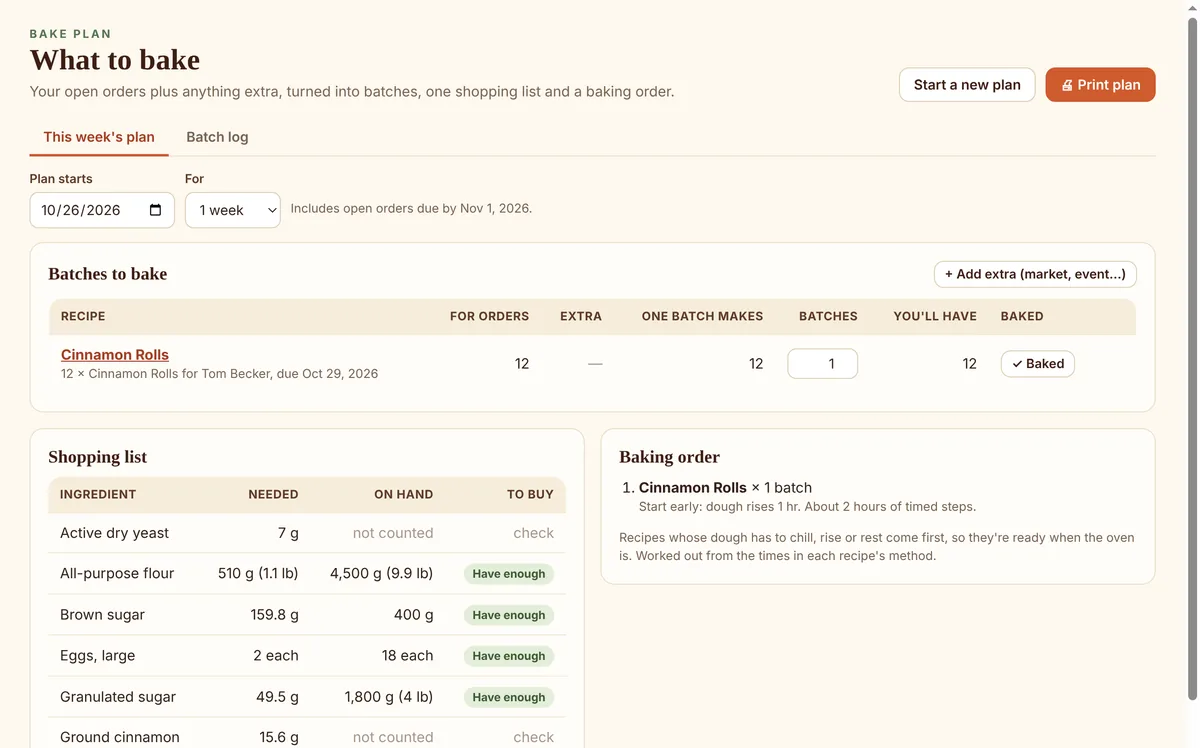
Turn the week's orders into batches, one shopping list and a baking order. Every batch gets a lot number, so a recall question has an answer.
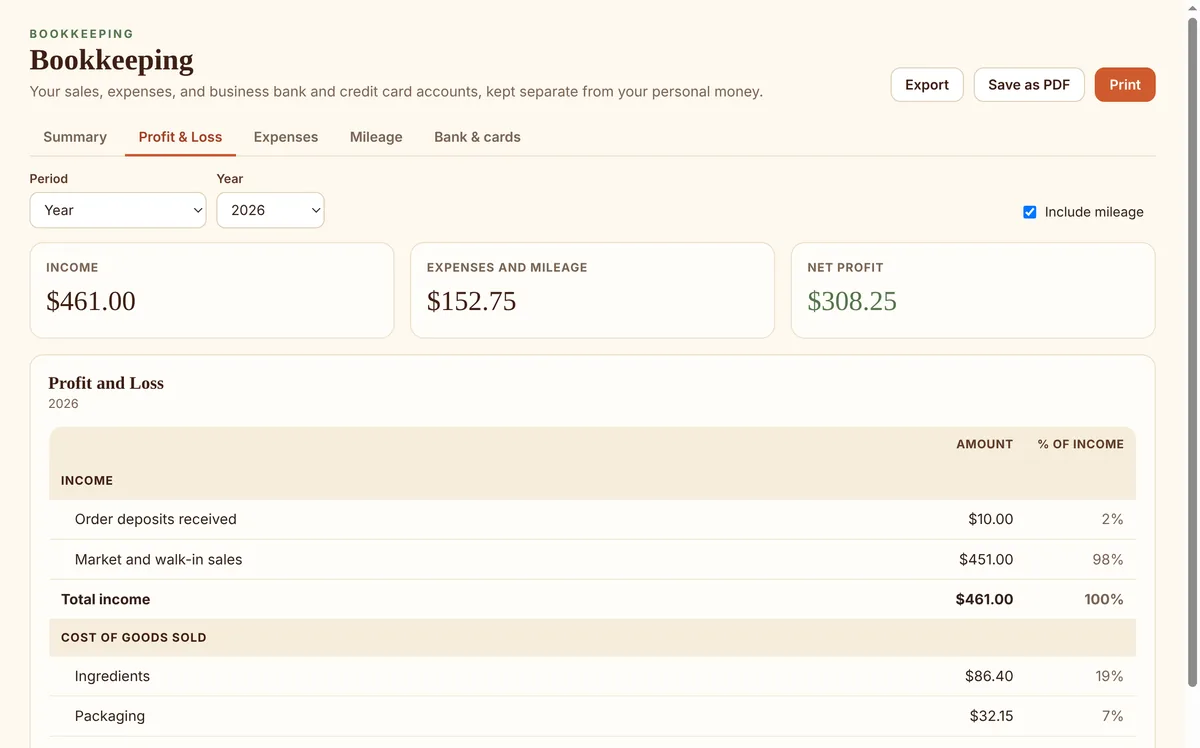
Bank and card registers, loans, Profit and Loss, a balance sheet, mileage at the IRS rate, a self-employment tax estimate, and an export for your accountant.
Your state's rules
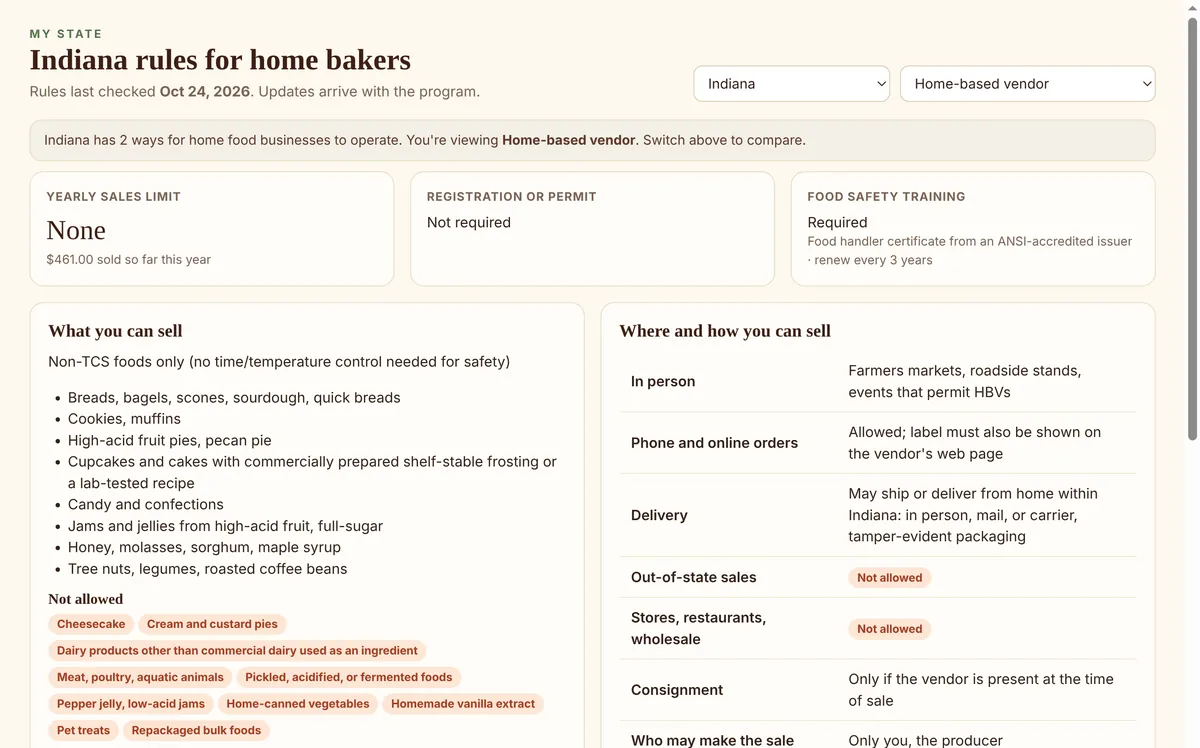
What you may sell, where you may sell it, whether you need a permit or training, any yearly sales limit, and the exact statement your labels must carry. All 50 states, with links to the official sources.
A guide to help you follow the law, not legal advice; your state and local health department have the final word.
Private by design
Most bakery apps keep your recipes and customers on their servers. Home and Hearth Baker keeps everything in one file on your own computer, and works with no internet at all.

The companion book
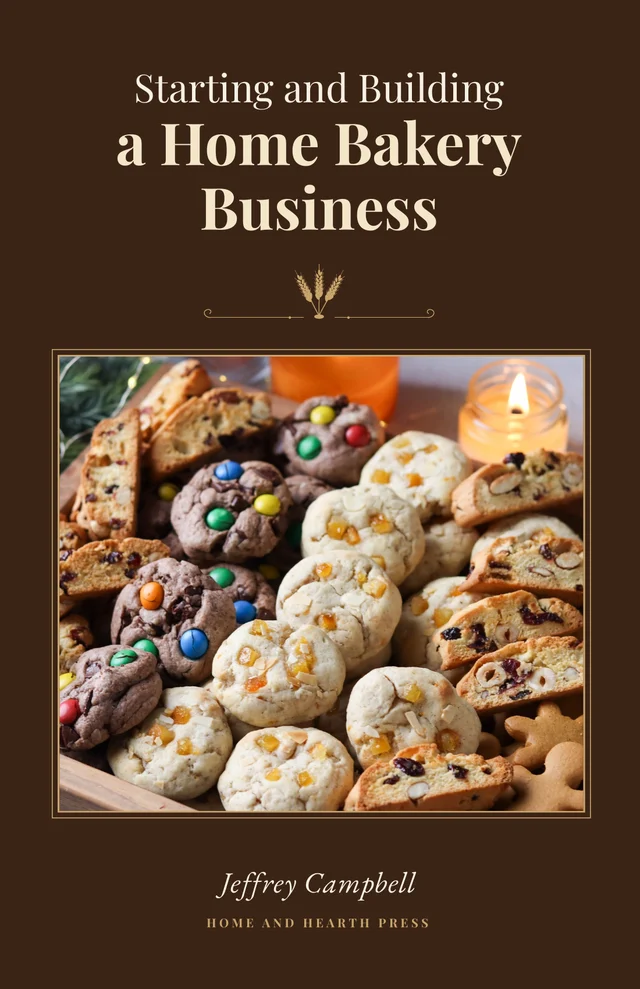
Your friends keep telling you, “You should sell these.” This book shows you how: legally, profitably, and without losing the joy that got you started. The book teaches the business; the program keeps your records and your state's rules.
Pricing
$119 for a license to the program, paid once. Try it free for 30 days first, with no card and no sign-up, and keep everything you entered when you license it.
News about Home and Hearth Baker and the book, tips for home bakers, and word when your state changes its Cottage Food regulations. A few emails a year; unsubscribe anytime. More about the list